
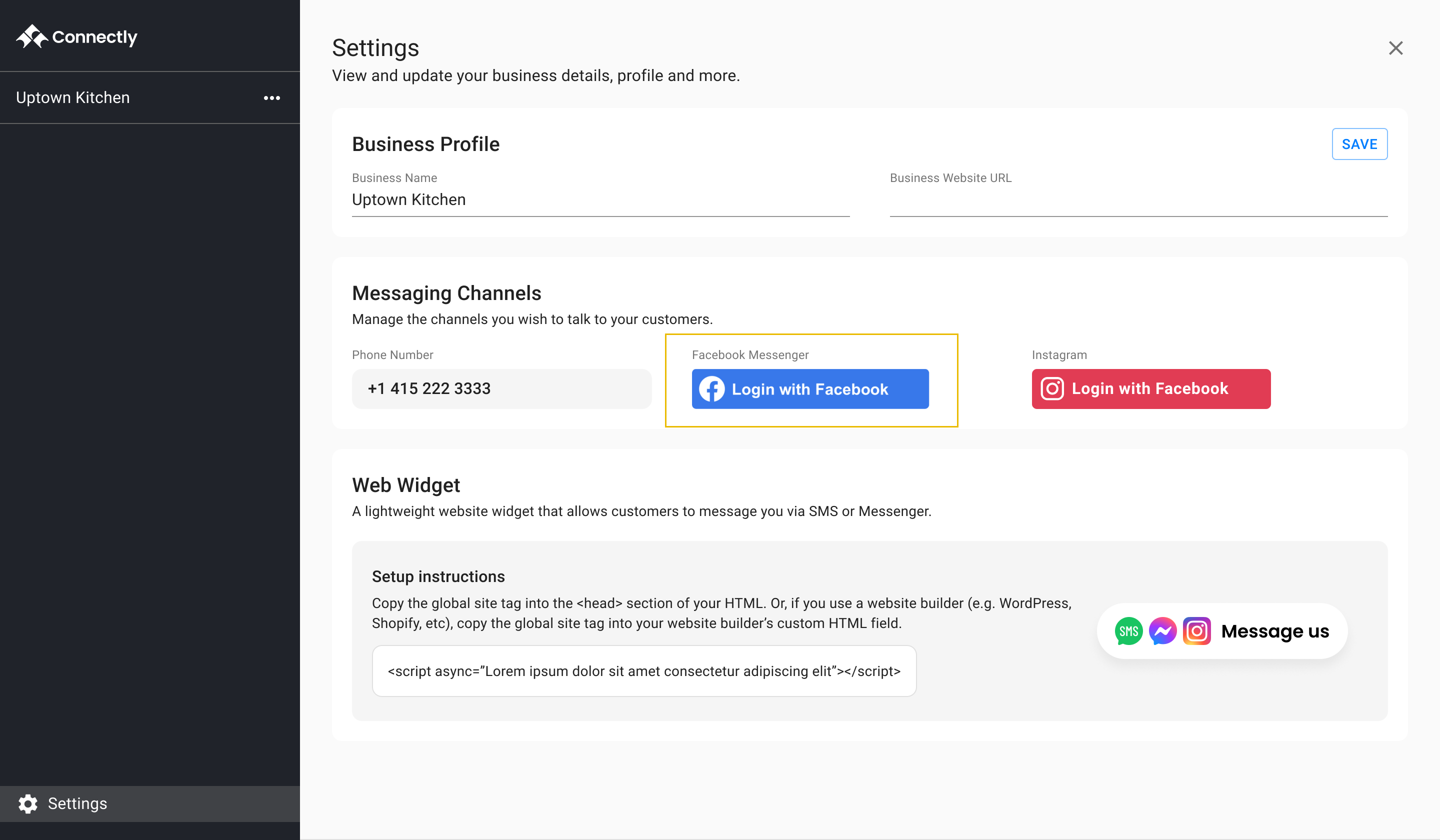
How to connect your Facebook Page to receive and send Messenger messages from the Connectly inbox.
If you don't have one, or are not sure, follow Facebook's instructions to create one:
How to create a Facebook business page
You're one step away from skyrocketing your business!
"With Connectly we had 80% less rider issues thanks to their WhatsApp automation. I can't recommend it enough!"

Aspa Lekka
COO & Founder

Talk to a Connectly expert and get a plan that fits. See what's possible—in 30 minutes.
By submitting your information, you agree to Connectly's Terms of Service and Privacy Policy. You can opt out anytime.

©️ 2025 All rights reserved. Connectly Inc. Engineered with ❤️, globally.
Company
Let's get started